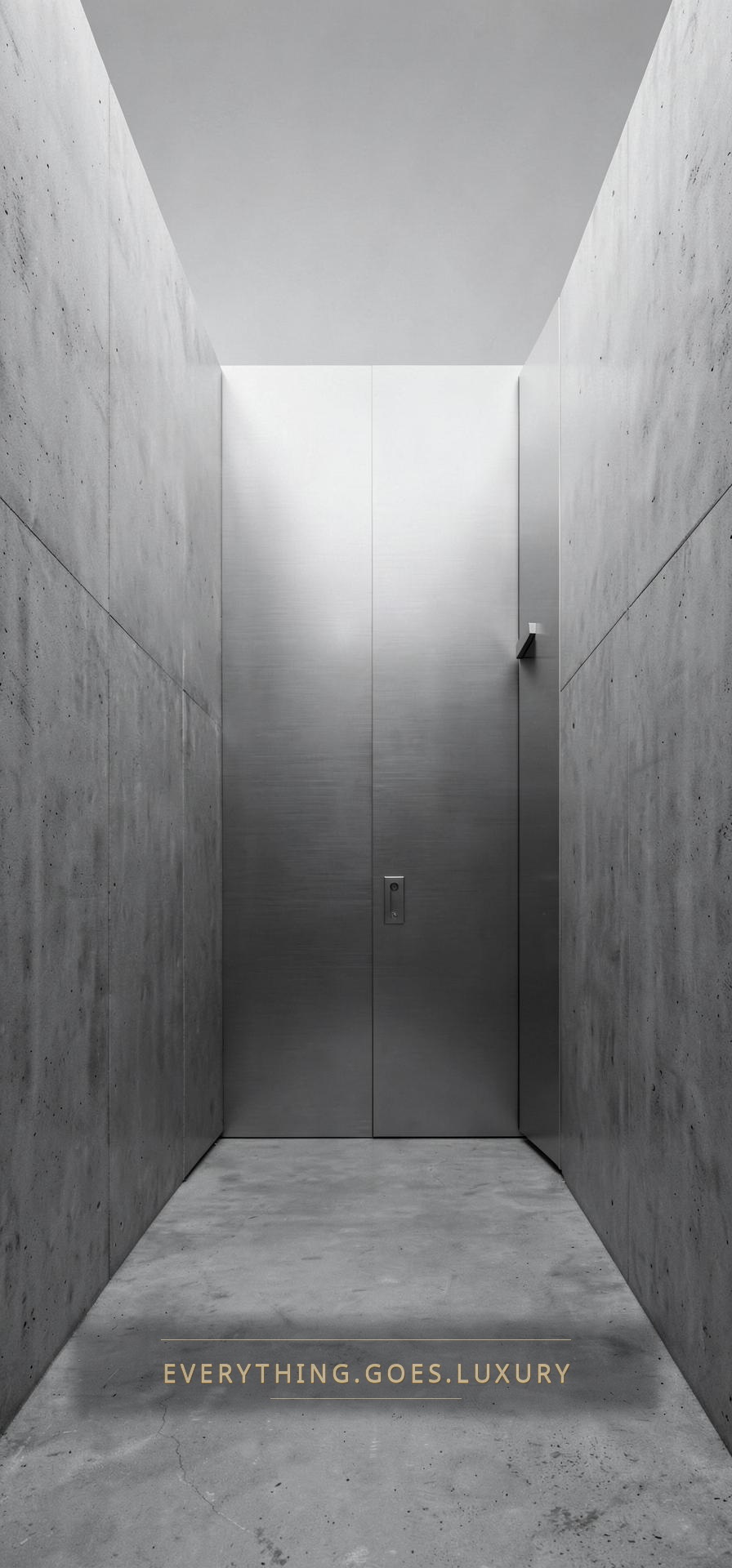
Monochrome Steel
Sharp. Architectural. Quiet.
A complete home screen kit — the wallpaper, twelve matching app icons and the setup steps for iPhone.
App icons
How to install on iPhone
- 01Tap Save wallpaper above and choose Save Image. Set it in Settings → Wallpaper.
- 02Tap Save all 12 icons and choose Save Images. If unavailable, use each Save button.
- 03Open the Shortcuts app and tap + → Add Action → Open App, then pick the app.
- 04Tap the arrow at the top, choose Add to Home Screen, then tap the small icon next to the name.
- 05Choose Photo, pick the saved Everything.Goes.Luxury icon, type the app name and tap Add.
- 06Move the original apps into the App Library so only the themed icons stay on your Home Screen.